Open source · Android · Built in Canada 🇨🇦
Linthra
Your music, beautifully yours.
Linthra plays the music you keep yourself: local files on your phone, or your own Jellyfin, Navidrome / Subsonic, or Plex server. It streams straight from the source, with no ads and no account to sign up for.
Stable · v0.1.8 GitHub Releases is the source of truth for the latest official builds. Linthra is also on F-Droid, which may lag behind while F-Droid processes updates. PR and debug APKs are for testing only — not official releases.
Your music, your server
Point Linthra at a folder of local files, or at your own Jellyfin / Navidrome / Subsonic / Plex server, and it plays from there. Streaming is the default, so nothing downloads until you ask for it. Browsing stays quick because the app reads from a catalog it keeps on the device, instead of hitting the network on every tap.
Features
-
Local music playback
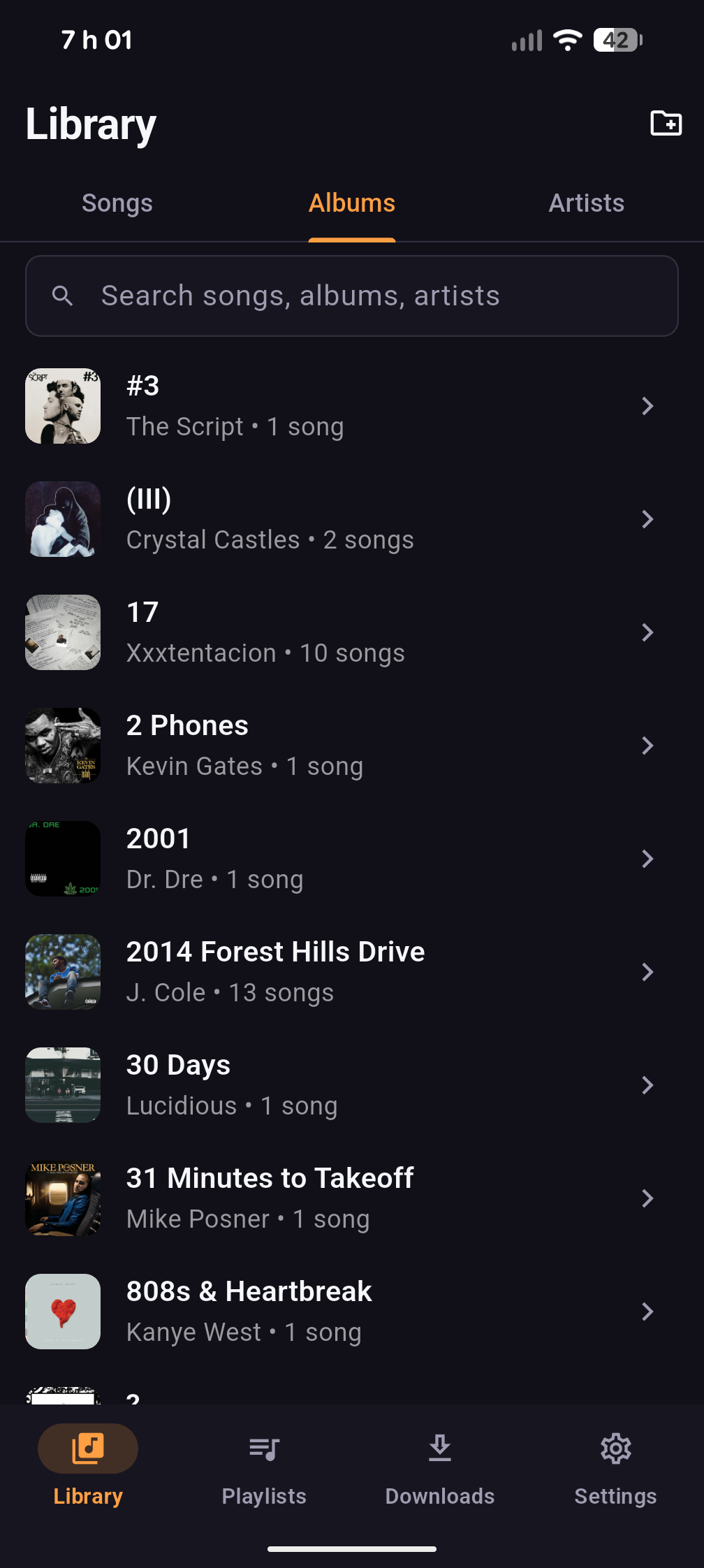
Pick a folder, scan it, and browse Songs, Albums & Artists with search. It uses the Storage Access Framework, so it never asks for broad storage access.
-
Jellyfin support
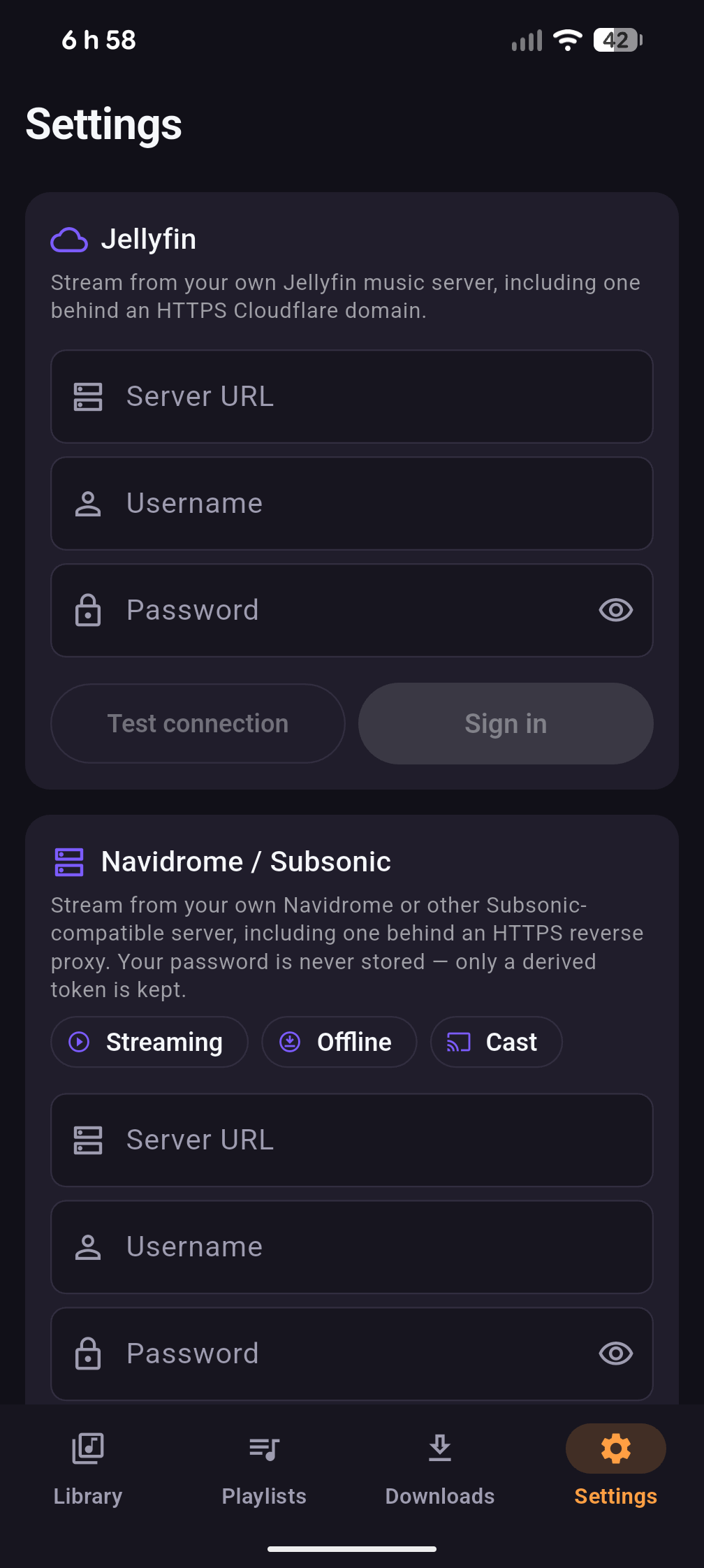
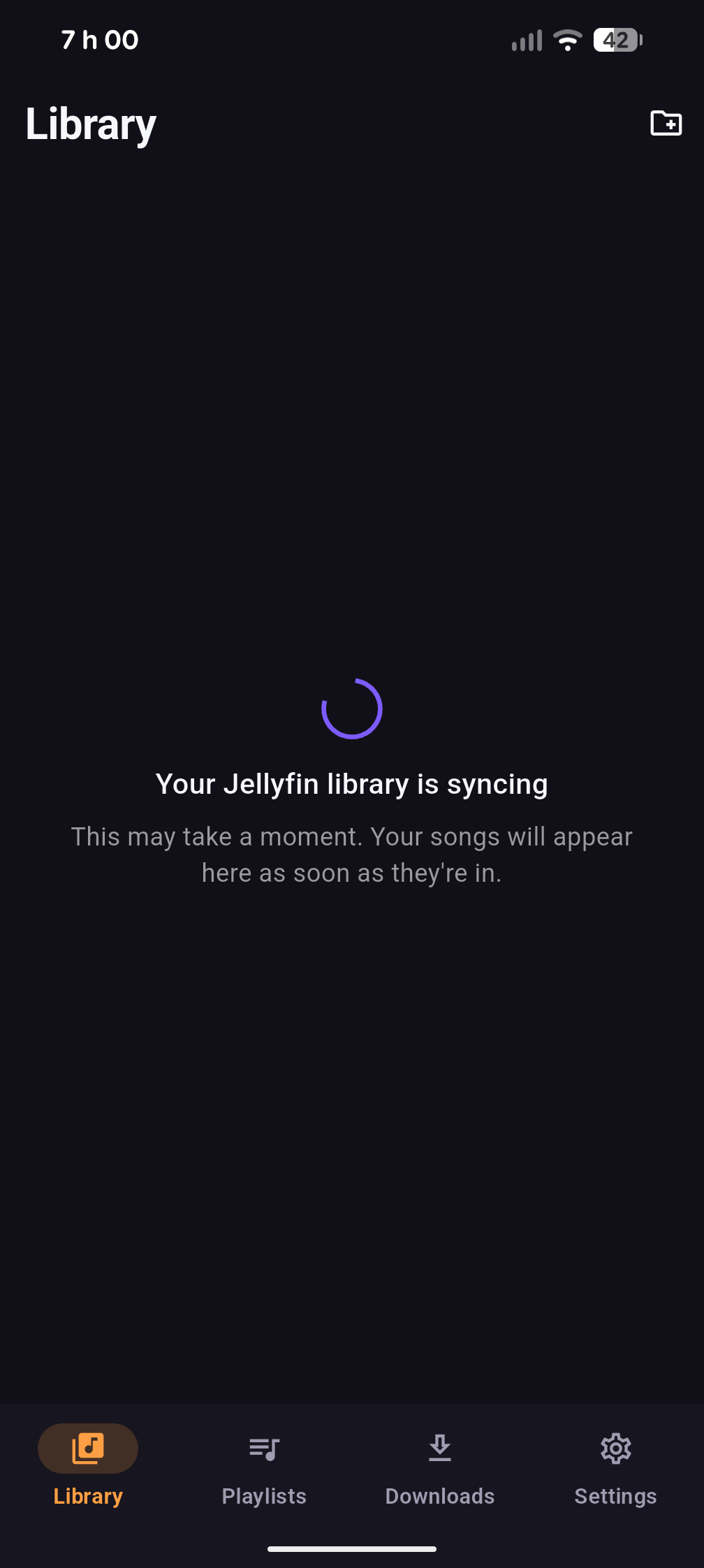
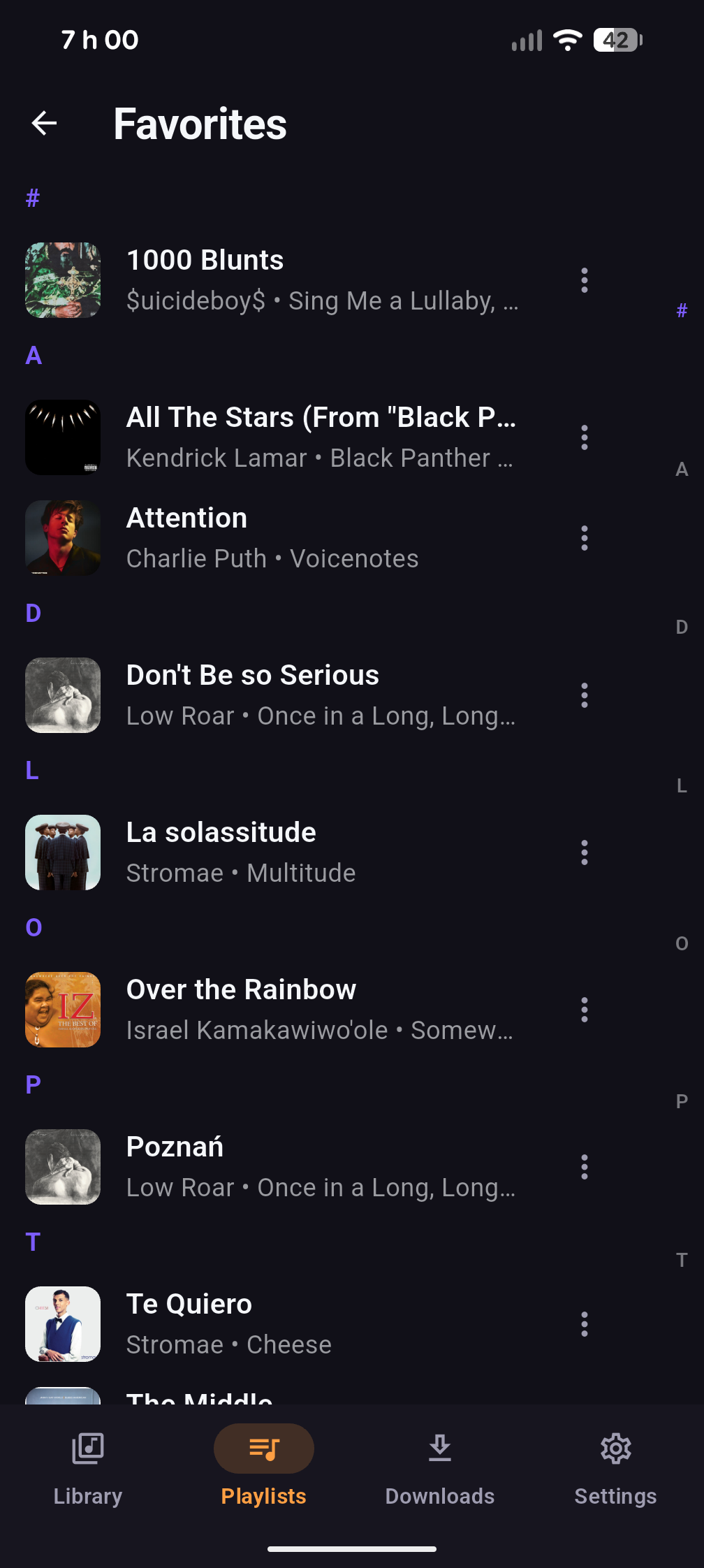
Connect your own Jellyfin server, sign in, and sync the library, then stream, cache and cast from it. Works over HTTPS. Playlists & favourites sync where the server supports it.
-
Subsonic / Navidrome
Stream, cache and cast from your own Navidrome server, or any Subsonic-compatible one. You bring the server and the account.
-
Plex support
Plex support is available: connect your own Plex Media Server, browse your library, and stream and cache from it. Some server setups may still need testing.
-
Background playback
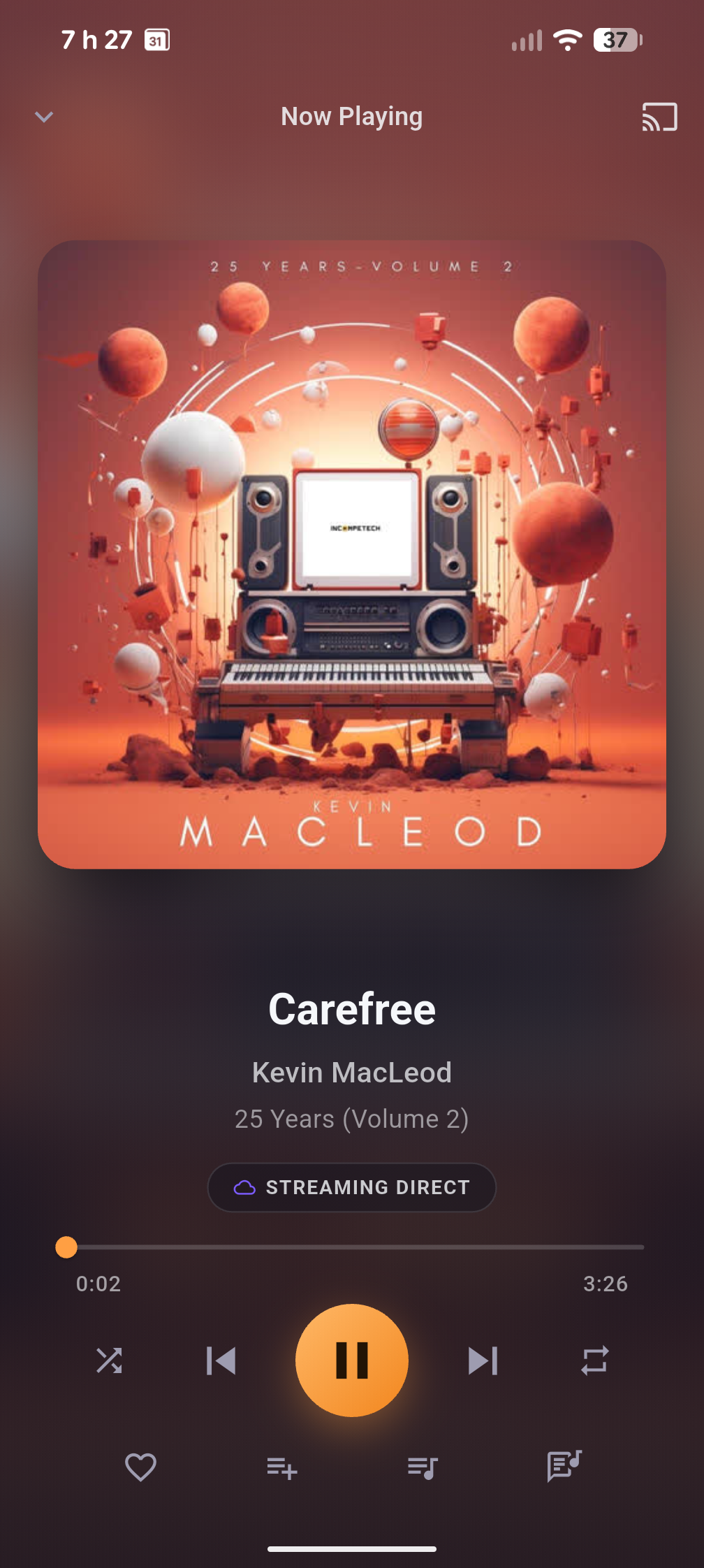
A media notification with lock-screen, Bluetooth and wired-headset controls, plus shuffle / repeat and synced lyrics.
-
Offline cache
Download the tracks you want for offline play, with a size limit and a “Keep offline” pin. It only downloads when you ask, and stays on Wi-Fi unless you allow mobile data.
-
Cast
Hand a stream off to a Chromecast, speaker or TV, with device-volume control and track artwork on the receiver. Pure-Dart Cast — no Google Play Services.
-
Android Auto
Browse your Library, Queue, Playlists and Favourites from the car screen and tap to play.
-
App icon & themes
Switch the real Android launcher icon and retint the app from Appearance settings. Themes — Classic, Neon, Gold, and Black & White — restyle the in-app accent to match.
-
Community & sharing
Optional, quiet links in Settings → About: join r/Linthra, open GitHub or the latest release, and share Linthra via the Android share sheet. No account or login required.
-
Privacy-friendly
No telemetry, no analytics, no ads, no account. Your server password is used once for a token, then discarded; the token is encrypted at rest and never logged.
-
Open source
Built with Flutter and licensed under AGPL-3.0-or-later, so anyone can read the code, build it, and send a patch. Bug reports are assembled on your device and never sent automatically.
Linthra is an unofficial, independent client. It isn’t affiliated with Jellyfin, Navidrome, Subsonic or Plex.
Screenshots
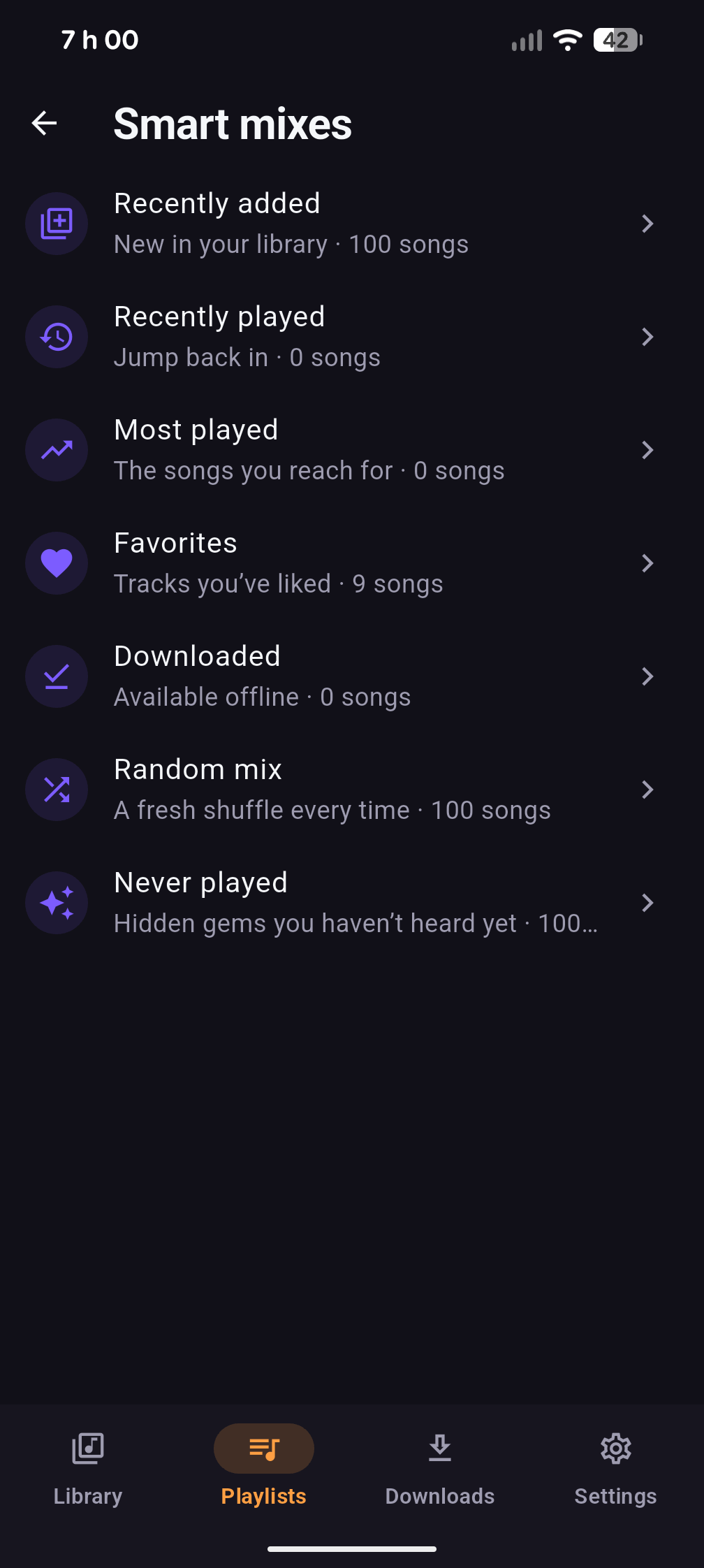
Real captures from a running build.
Get Linthra
GitHub Releases is the official home for Linthra builds. Every release ships signed APKs (and an Android App Bundle); the current stable build is v0.1.8. Obtainium can install straight from GitHub Releases and keep it updated.
GitHub Releases are the source of truth for the latest official builds. Linthra is also available on F-Droid, but F-Droid updates may arrive later after their build/review process. PR and debug APKs are for testing only — not official releases. Don't mix install sources: GitHub APKs and F-Droid builds are signed with different keys, so they can't update each other — pick one and stick with it.
Need help or found a bug? Contact us at support@linthra.ca, or join the community at r/Linthra.
Community
There's a small, optional community subreddit at r/Linthra — a calm place to share setups, ask questions, and follow along. It's quiet and entirely optional: no Reddit login is needed to read it, and Linthra never asks you to create an account.
Free, private, and yours
Linthra is free and open source. No ads. No tracking. No analytics. No telemetry. No locked features, no forced account, and no required server. The app talks only to the music sources you configure and to your own local files.
Linthra works on its own; Linthra Connect is optional. There's no Docker, no account, and no pairing to set up before you can play your music.